
Beach
Bright sun, skin tones, blue water
 FujiMuse
Android-first · Built for Fujifilm shooters
Sync one complete film simulation recipe—or a seven-recipe Collection—to C1–C7 without hundreds of tiny camera-menu clicks.
One beta invitation and the Google Play launch notice. Unsubscribe anytime. Unsubscribe · Privacy policy


The real difference
A single film simulation recipe can involve about 15 separate settings. Replacing every recipe in C1–C7 can mean potentially hundreds of clicks through a tiny on-camera menu. FujiMuse turns that repetitive job into a near-instant batch sync by comparison.

Film Recipe Collections
Save seven complete Film Recipes as one Collection. When the plan changes, connect over USB-C and sync a new C1–C7 bank together.
One Collection Seven complete Film Recipes
Bright sun, skin tones, blue water

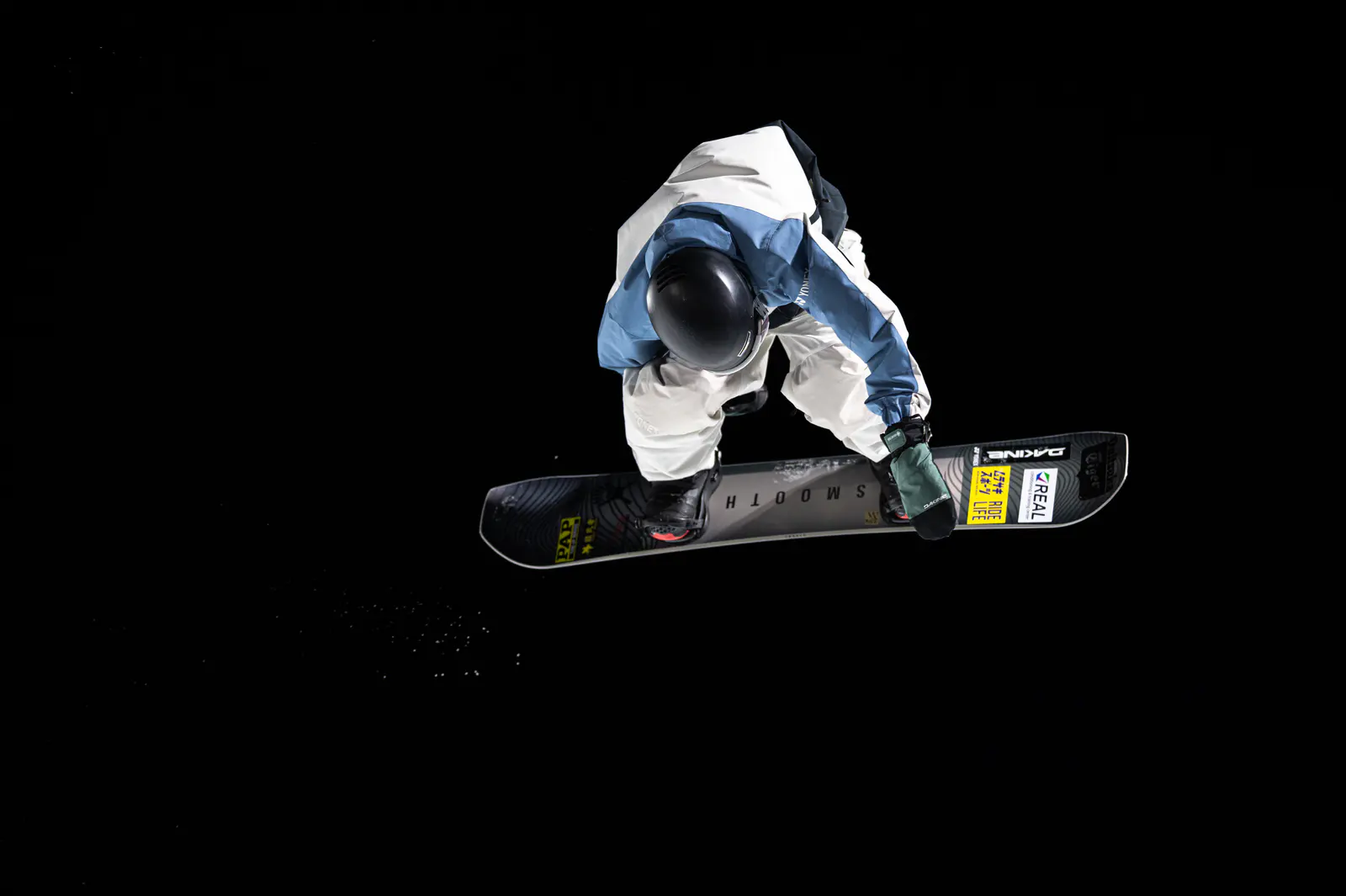
Clean snow, bold color, fast action

Neon, deep shadows, mixed light

Stage color, contrast, atmosphere

Warm light, texture, natural color

Skin-first color and softer contrast

A complete everyday C1–C7 bank
Choose. Connect. Sync.
Pick seven film recipes for where you are going or what you are photographing.
FujiMuse identifies the supported camera and prepares the values it can write.
Send the full Collection to C1–C7 in one batch, ready to select while shooting.
Photographs first
Film recipes make more sense through finished photographs than through a wall of settings. FujiMuse starts with the image, then gives you the recipe, camera notes, and a direct path to save it.
14 new frames this visit · all 260 in rotation
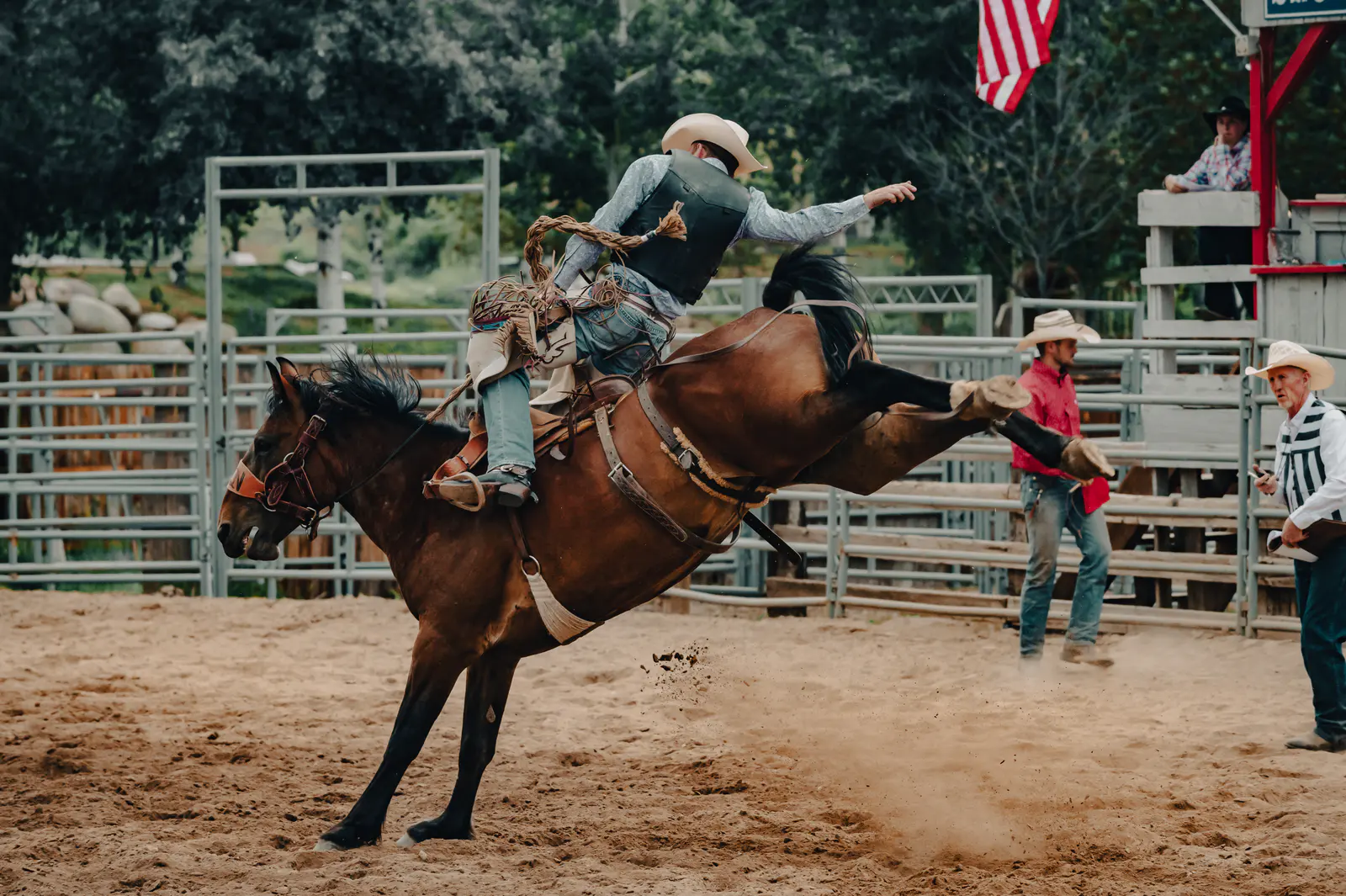

The full founder archive
Action, portraits, black and white, wildlife, landscapes, coast, night, and travel—280 Lightroom exports reviewed, with duplicate and technically weak files removed from display.
Explore all Film Recipe Collections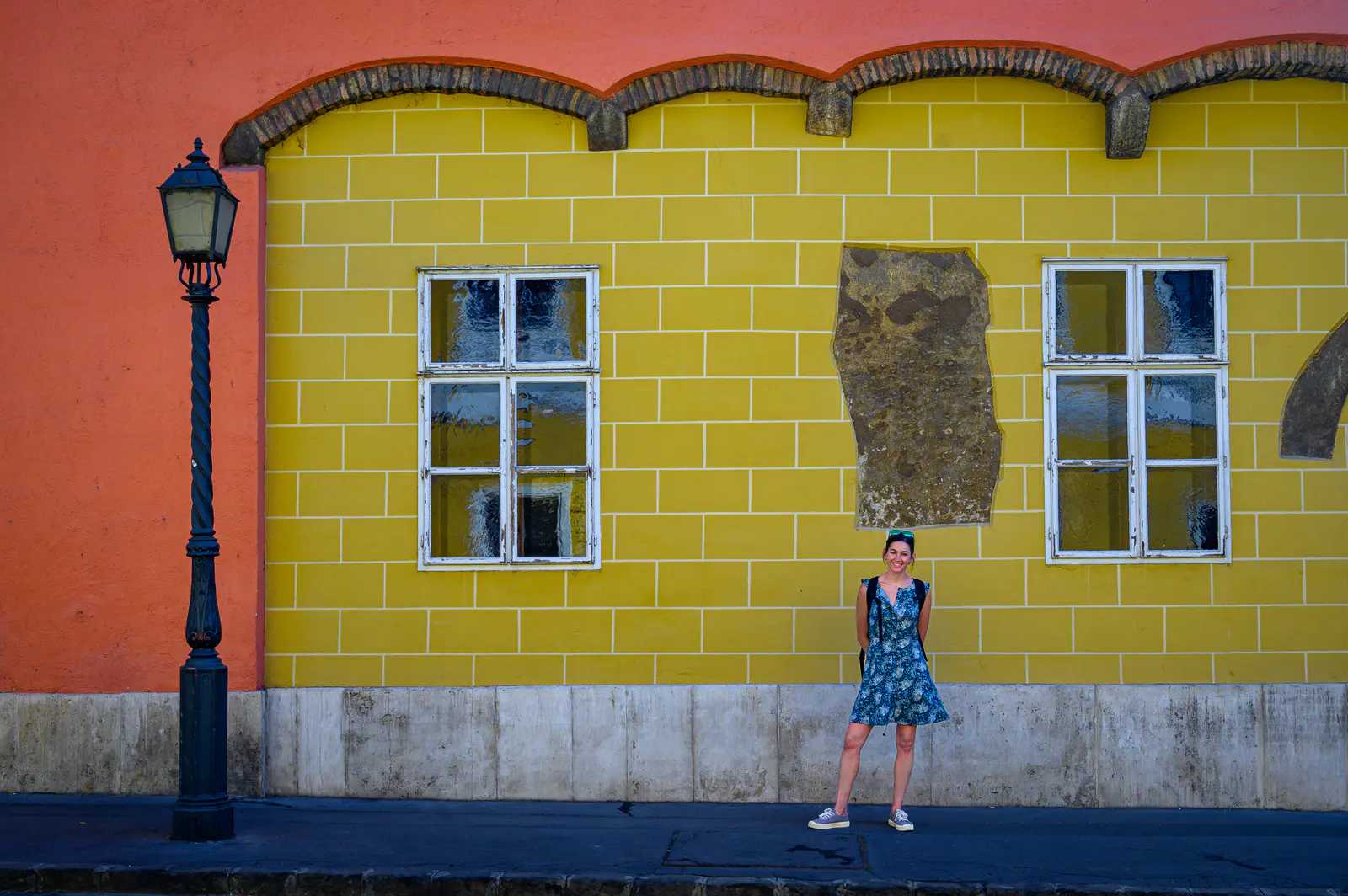



Beyond camera sync
Every feature supports the same path: find the look, understand it, organize it, and get it onto your camera.
Browse images first, flip one over to reveal its film simulation recipe, then save it or send it to a Collection.
Apply an approximate recipe direction to your own photo, see before and after, and compare up to three looks side by side.
Paste recipe text or import a screenshot. On-device recognition extracts the settings and flags uncertain values for review.
Describe the light, subject, or mood. FujiMuse AI can suggest a recipe that respects the controls available on your camera.
Favorite, edit, duplicate, share, compare, and filter by simulation, grain, lighting, subject, rating, or camera.
Group seven recipes for the place you are going, then sync the entire Collection directly to C1–C7.

Your personal Library
Bring scattered recipes into one searchable place, shape them into Collections, and keep the next shoot close at hand.

Compatibility without vague promises
Direct wired film-recipe writing is hardware-verified on the Fujifilm X100VI. X100V support is in testing, with wider X-series support expanding carefully.
Straight answers
A complete film simulation recipe: film simulation, white balance, dynamic range, grain, highlights, shadows, color, clarity, and the other supported values. Send one recipe to a chosen custom slot or sync seven recipes to C1–C7.
A Collection gives you a complete bank for one situation. Build one for the beach, skiing, night, concerts, food, portraits, or a summer day, then change all seven custom slots together instead of rebuilding each one in the camera menus.
Direct USB-C writing is hardware-verified on the X100VI. X100V support is in testing, with broader X-series support expanding carefully. Discovery, organization, preview, and import support a wider range of camera profiles.
Not today. Recipe writing uses a wired USB-C connection for a direct, dependable path to the camera.

Android beta
Join for the closed-testing invitation and Google Play launch notice.
One beta invitation and the Google Play launch notice. Unsubscribe anytime. Unsubscribe · Privacy policy